
Spec card
The spec card lays out one thing’s properties as label and value rows, like an order’s details or a page’s settings. The assistant shows it with show_spec when the user asks to see data laid out.
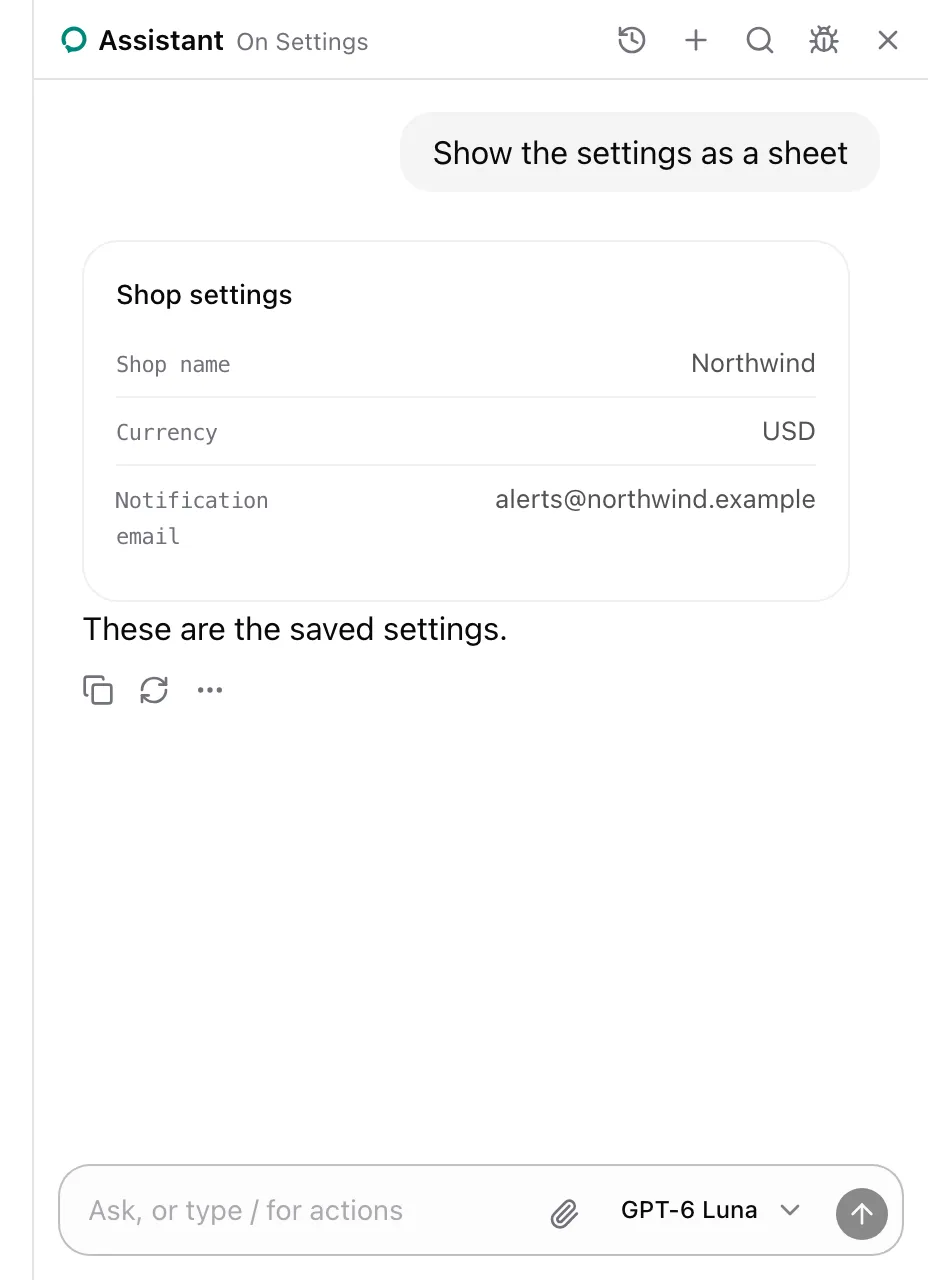
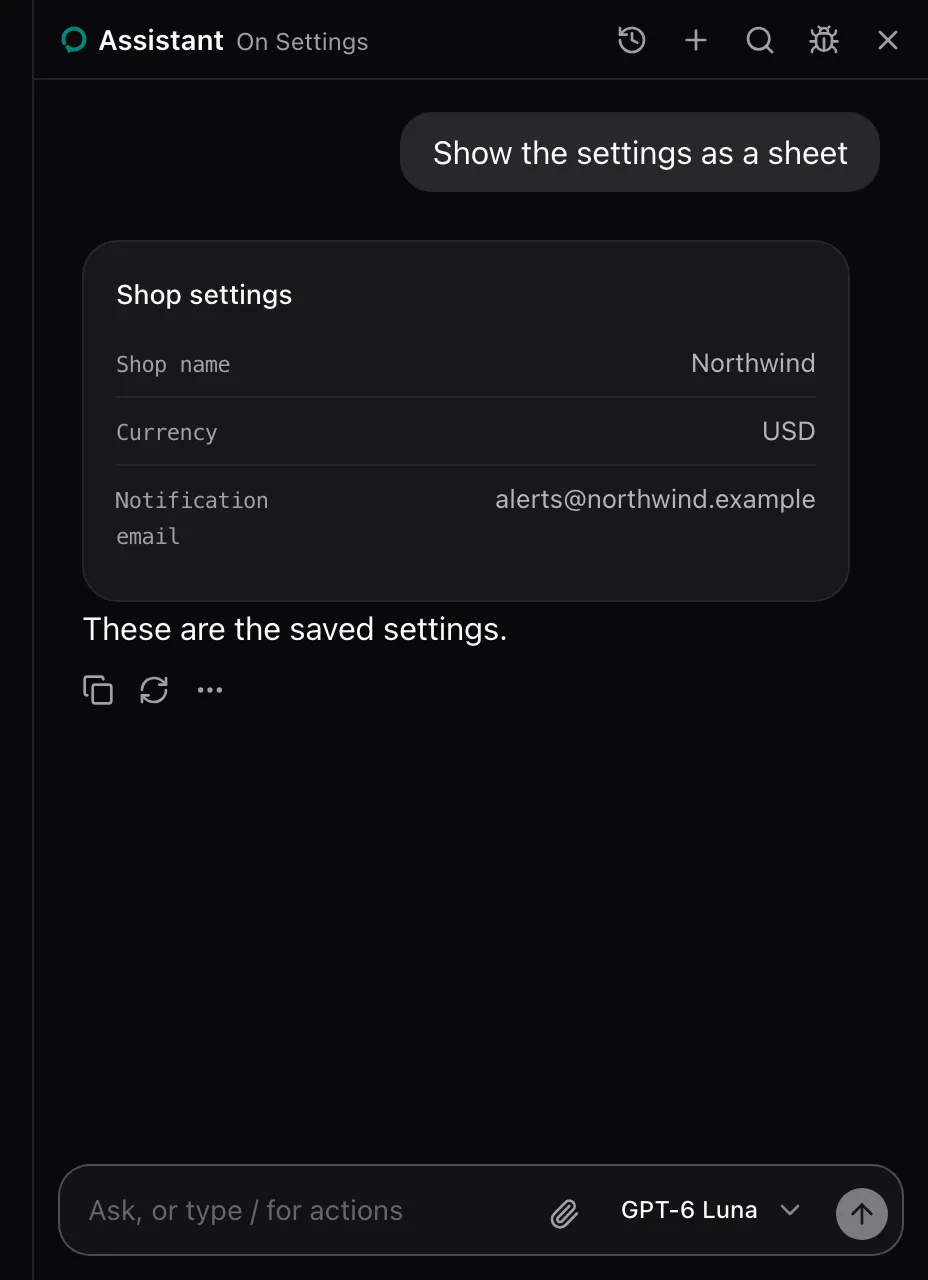
AssistedProvider lends show_spec on every page. There is nothing to set up. See Show a table, a spec or a comparison.
What the model sees
Section titled “What the model sees”show_spec is described as:
Show the user a spec sheet: one thing's properties as label and value rows. For structured answers the user can scan, like an order's details or a page's settings.| Parameter | Type | Required |
|---|---|---|
title |
string |
Yes |
rows |
One or more of { label: string; value: string } |
Yes |
The call answers Showed the user a spec sheet. It changes nothing on the page.
None. The package renders it in place of the show_spec call, every row shown. Replace it with cards.spec on AssistedProvider, see Swap a card. The card carries data-slot="spec-sheet".
See also
Section titled “See also”- Table card for several records of one kind.