
Comparison card
The comparison card puts two or three options side by side on the same traits, marks the one the assistant recommends, and says why. The assistant shows it with show_comparison when the user asks to compare.
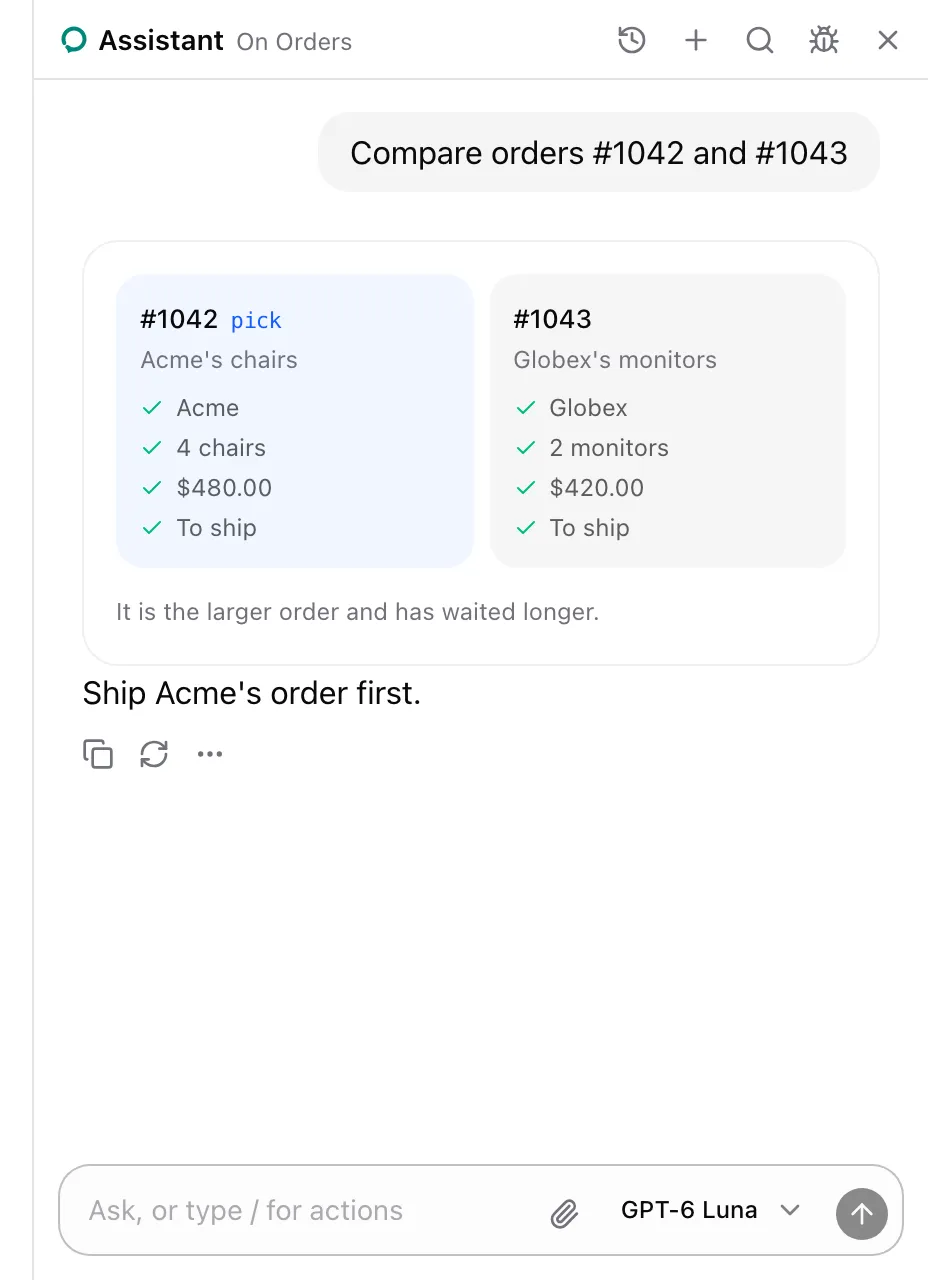
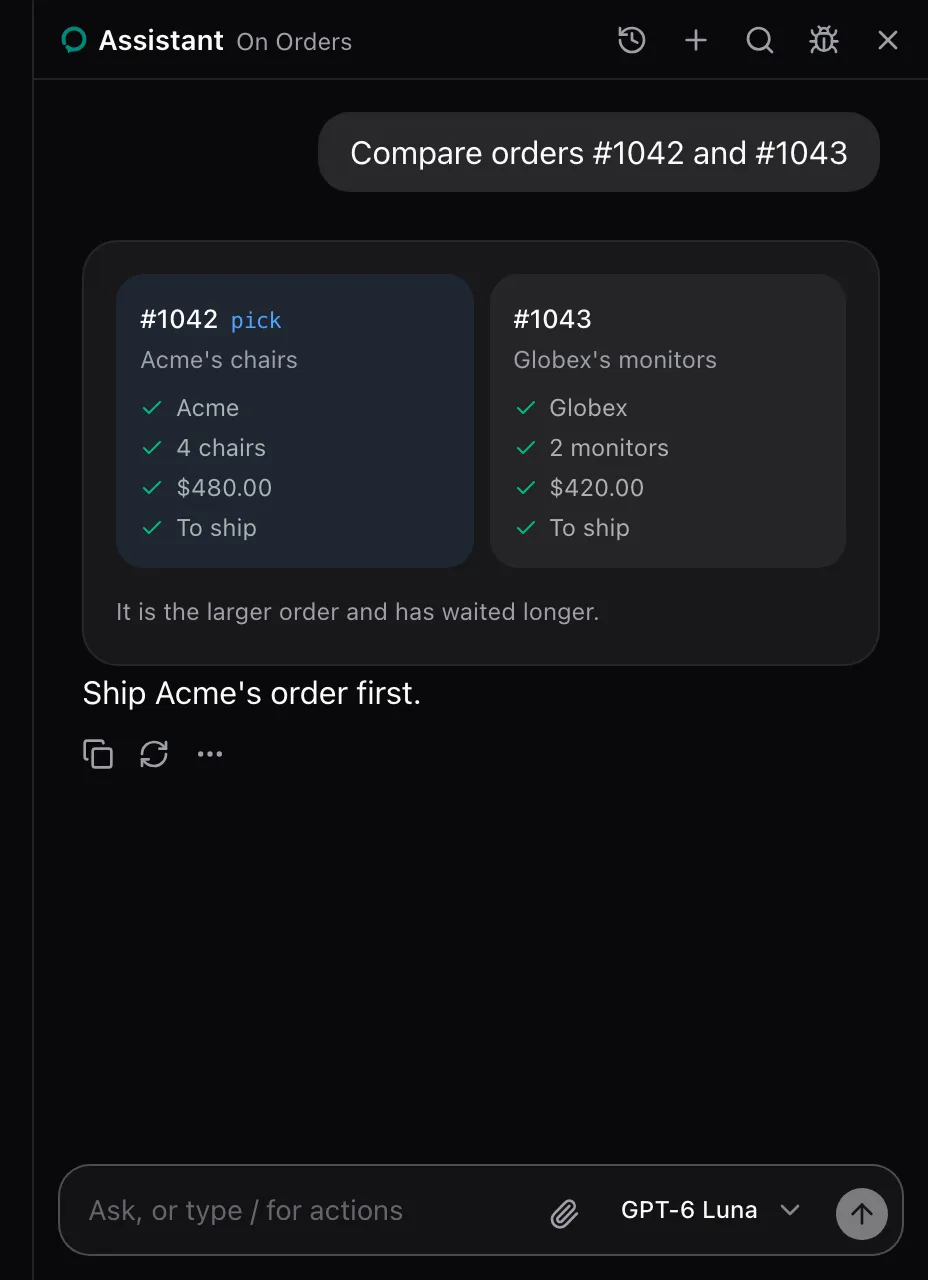
AssistedProvider lends show_comparison on every page. There is nothing to set up. See Show a table, a spec or a comparison.
What the model sees
Section titled “What the model sees”show_comparison is described as:
Show the user two or three options side by side on the same traits, with the one you recommend and why. For structured answers the user can scan, like comparing two orders.| Parameter | Type | Required |
|---|---|---|
traits |
One or more strings, the traits’ names | Yes |
options |
Two or three of { name: string; headline: string; traits: string[] }, traits the option’s value for each trait in order |
Yes |
recommended |
string, the name of the recommended option |
Yes |
reason |
string, one sentence on why |
Yes |
The call answers Showed the user a comparison. It changes nothing on the page.
None. The package renders it in place of the show_comparison call. Replace it with cards.comparison on AssistedProvider, see Swap a card. The card carries data-slot="comparison-card".
See also
Section titled “See also”- Table card for more than three records.