
Confirm card
The confirm card asks the user in the conversation before an action with consequential="confirm", or a tool with consequential: true, goes ahead. After the answer it stays as a receipt.
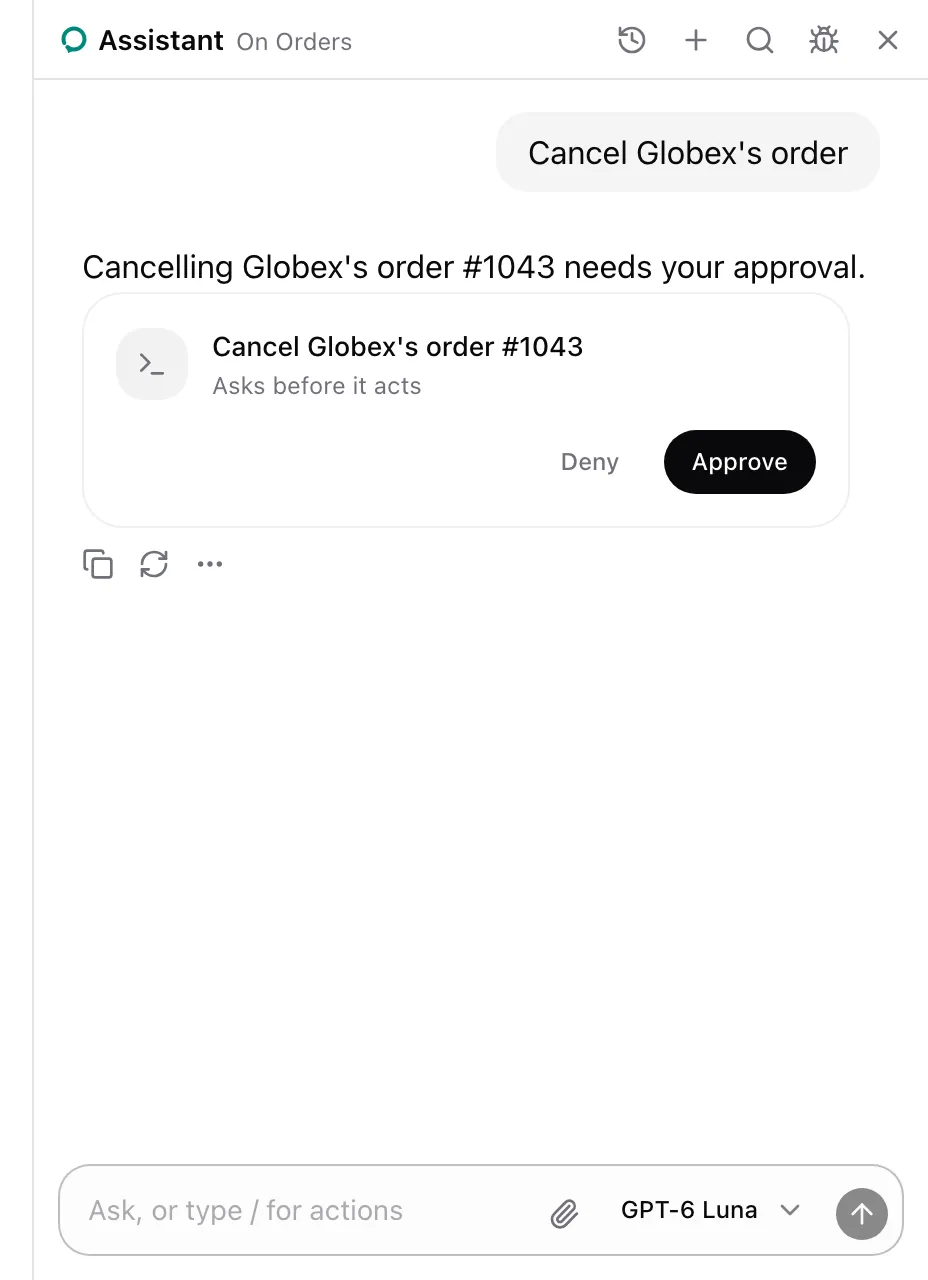
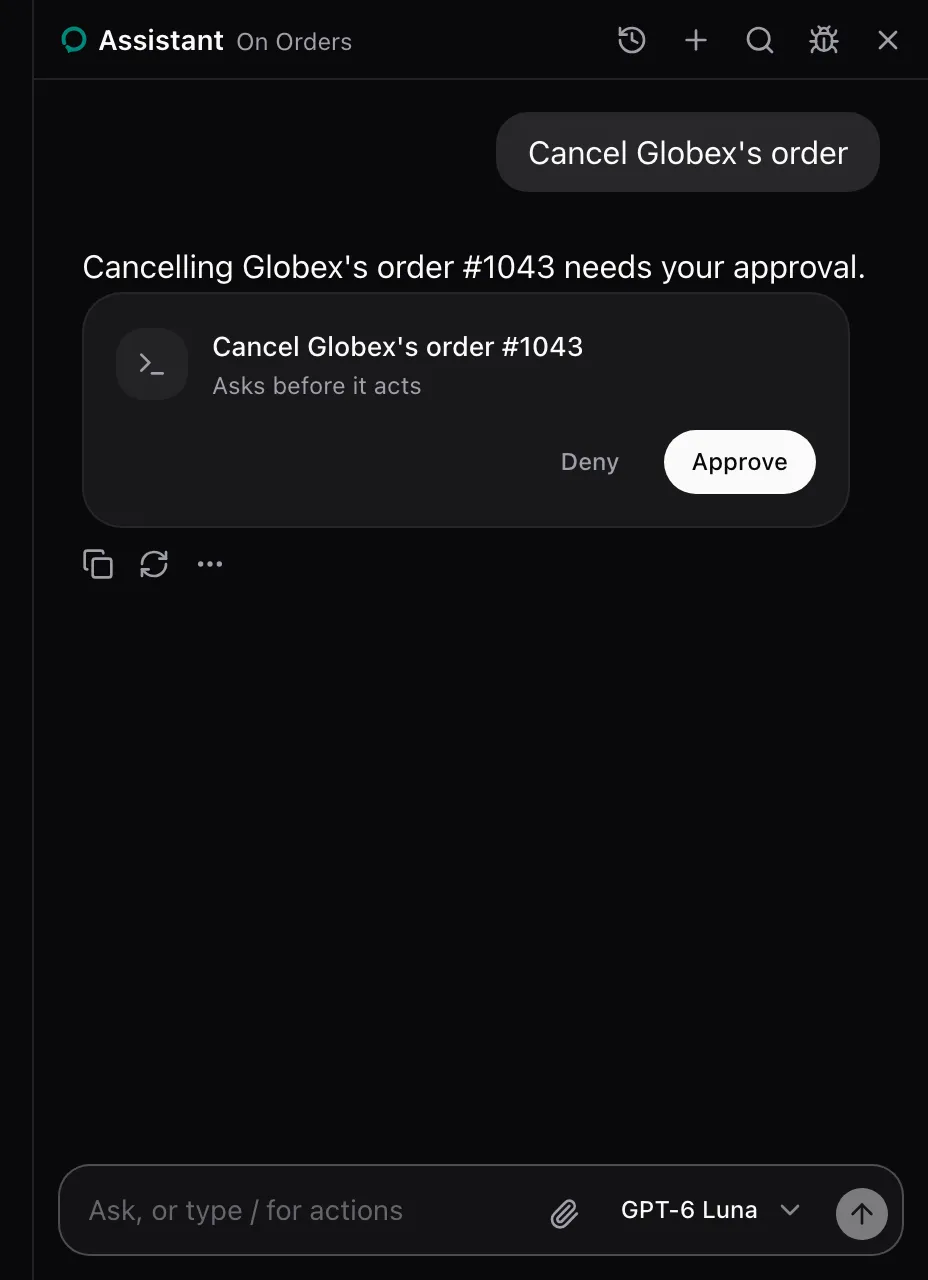
The card shows for every consequential action or tool. From examples/app/app/orders/page.tsx:
<AssistedAction name="cancel_order" id={order.id} label={`Cancel ${order.customer}'s order #${order.id}`} consequential="confirm"> <Button size="sm" variant="outline" onClick={() => shop.call("cancelOrder", [order.id])} > Cancel </Button></AssistedAction>What the model sees
Section titled “What the model sees”The action’s entry ends with (asks first), so the model calls it and lets the panel ask. While the card waits, the call has no answer. The card’s title is the picked row’s label, Cancel Globex's order #1043. For a tool it is question(args), or the tool’s description without one.
States
Section titled “States”Approved
Section titled “Approved”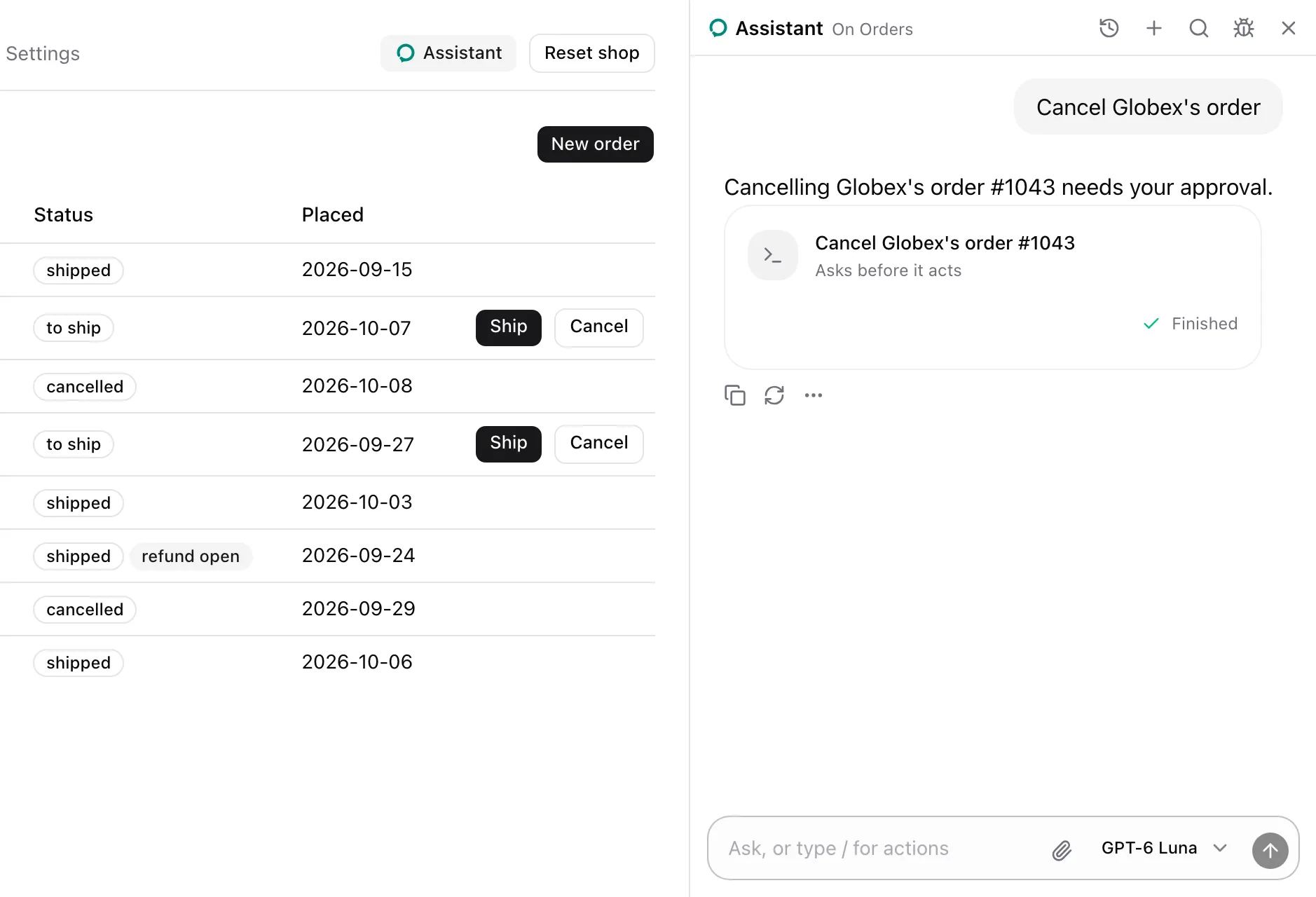
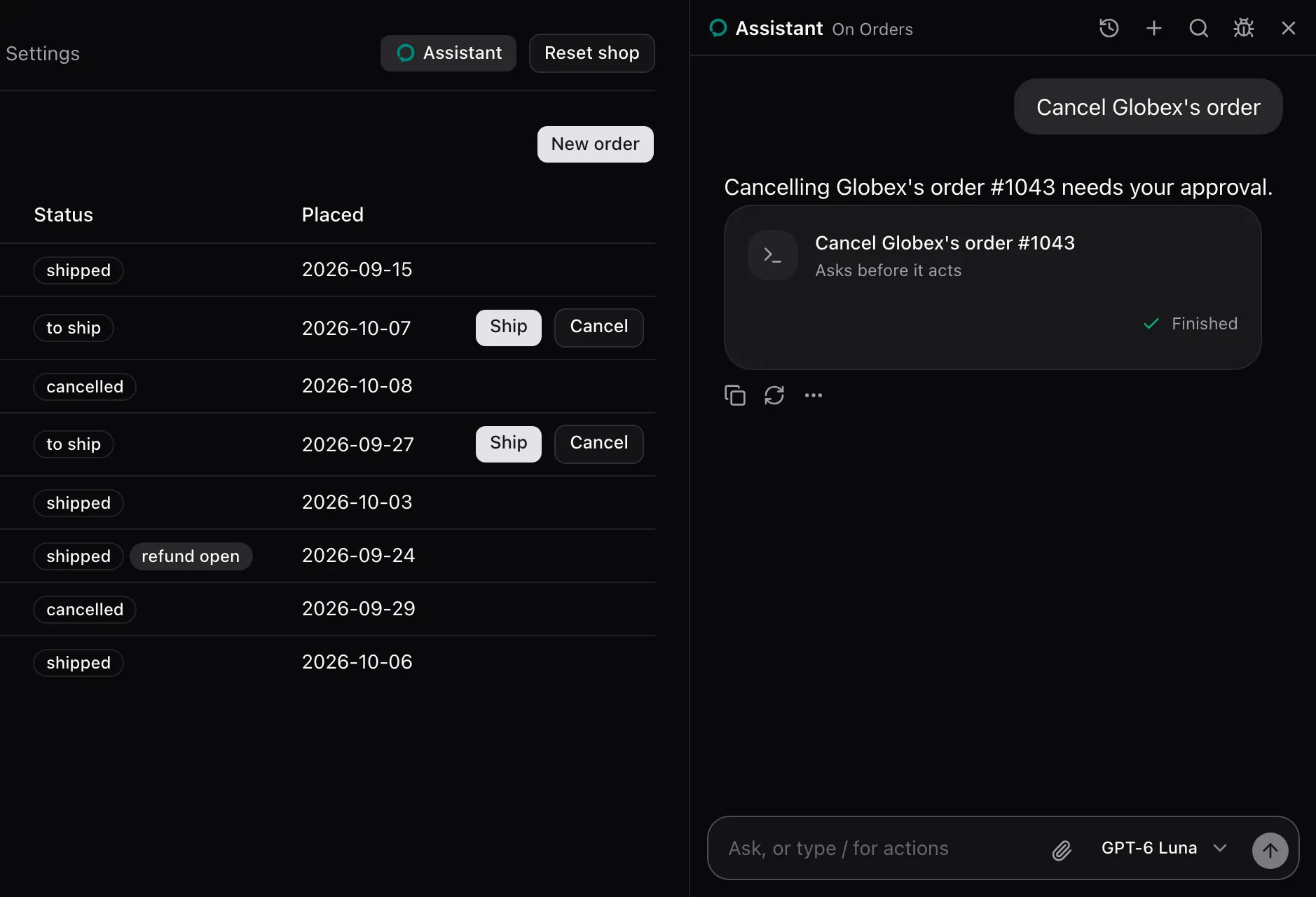
Approve checks the element again and presses it. The card reads “Approved, running”, then “Finished”. The call answers Approved by the user and pressed "Cancel Globex's order #1043". with the Orders note.
Declined
Section titled “Declined”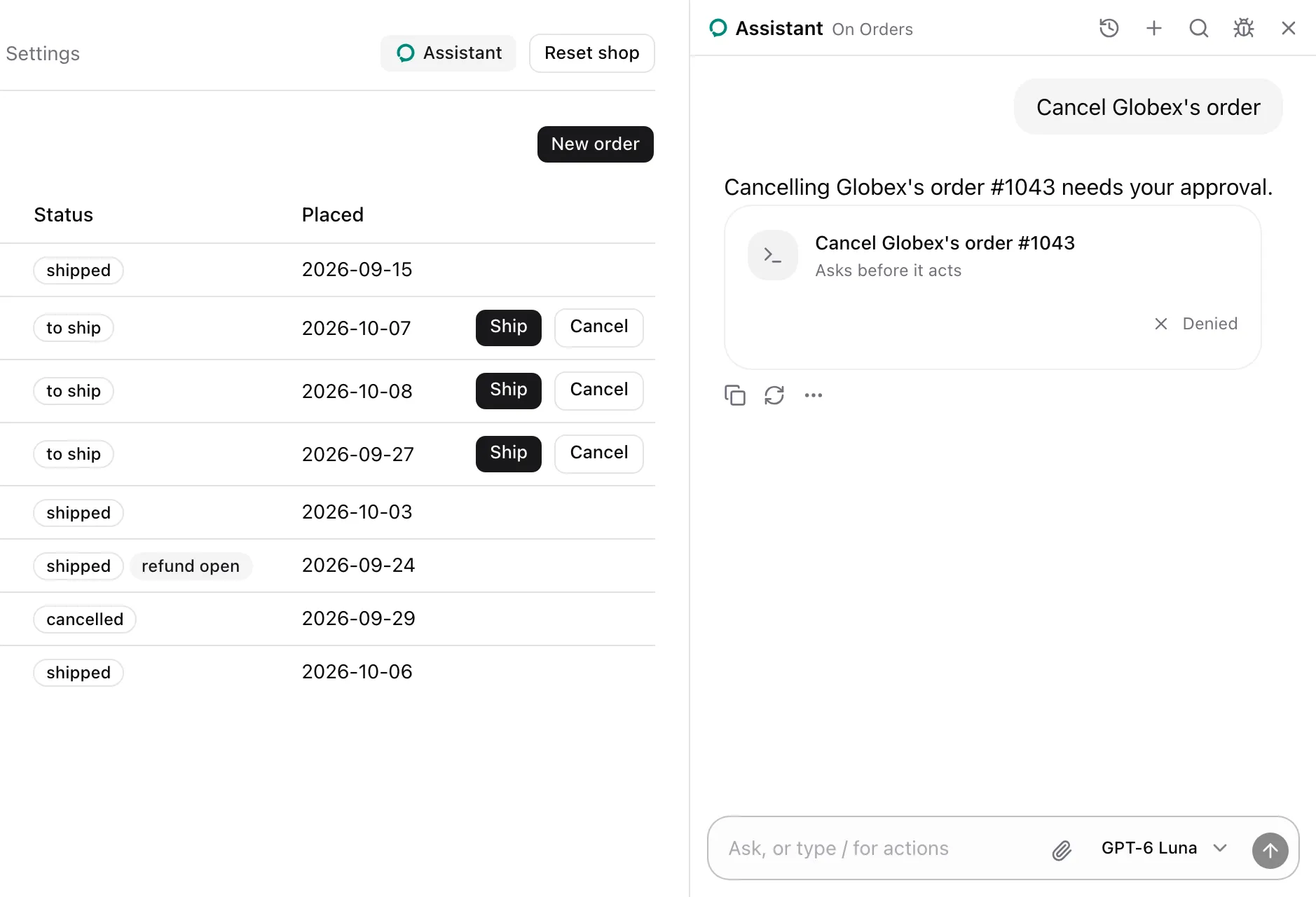
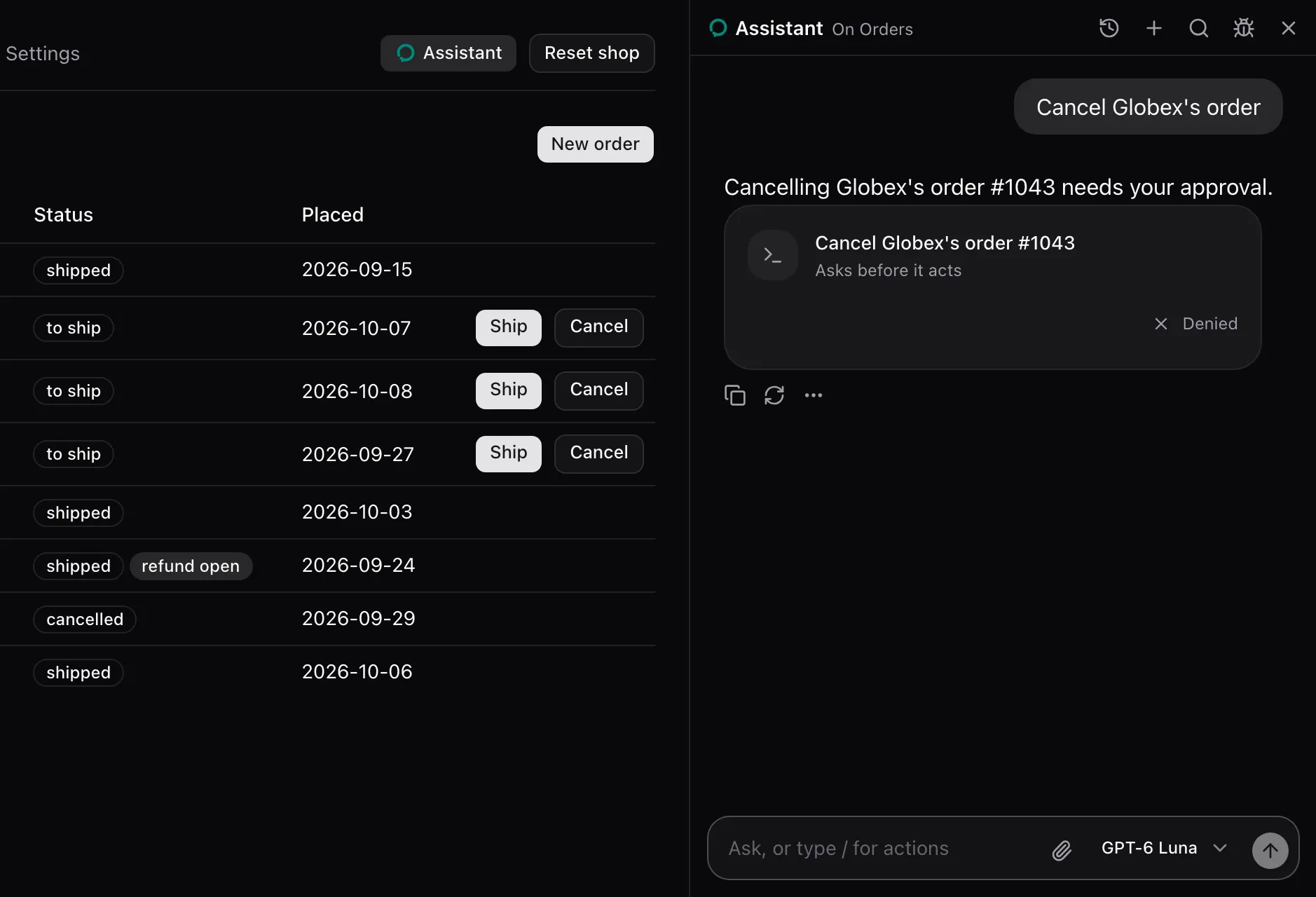
Deny presses nothing, and the card reads “Denied”. The call answers The user declined "Cancel Globex's order #1043". That is final: leave it unless they ask for it again.
When the press fails after approval, the card reads “Didn’t go through”.
None. The package renders it for each consequential action or tool, inline in the conversation. Replace it for every one with cards.confirm on AssistedProvider, see Swap a card. A tool’s own render replaces it for that tool. The card carries data-slot="approval-card".