The harness for your SaaS.
Your pages tell Super Assist what they are and what they lend. Journeys guide users through them, an agent answers and acts on them, and your team takes over when it can't.
Create an account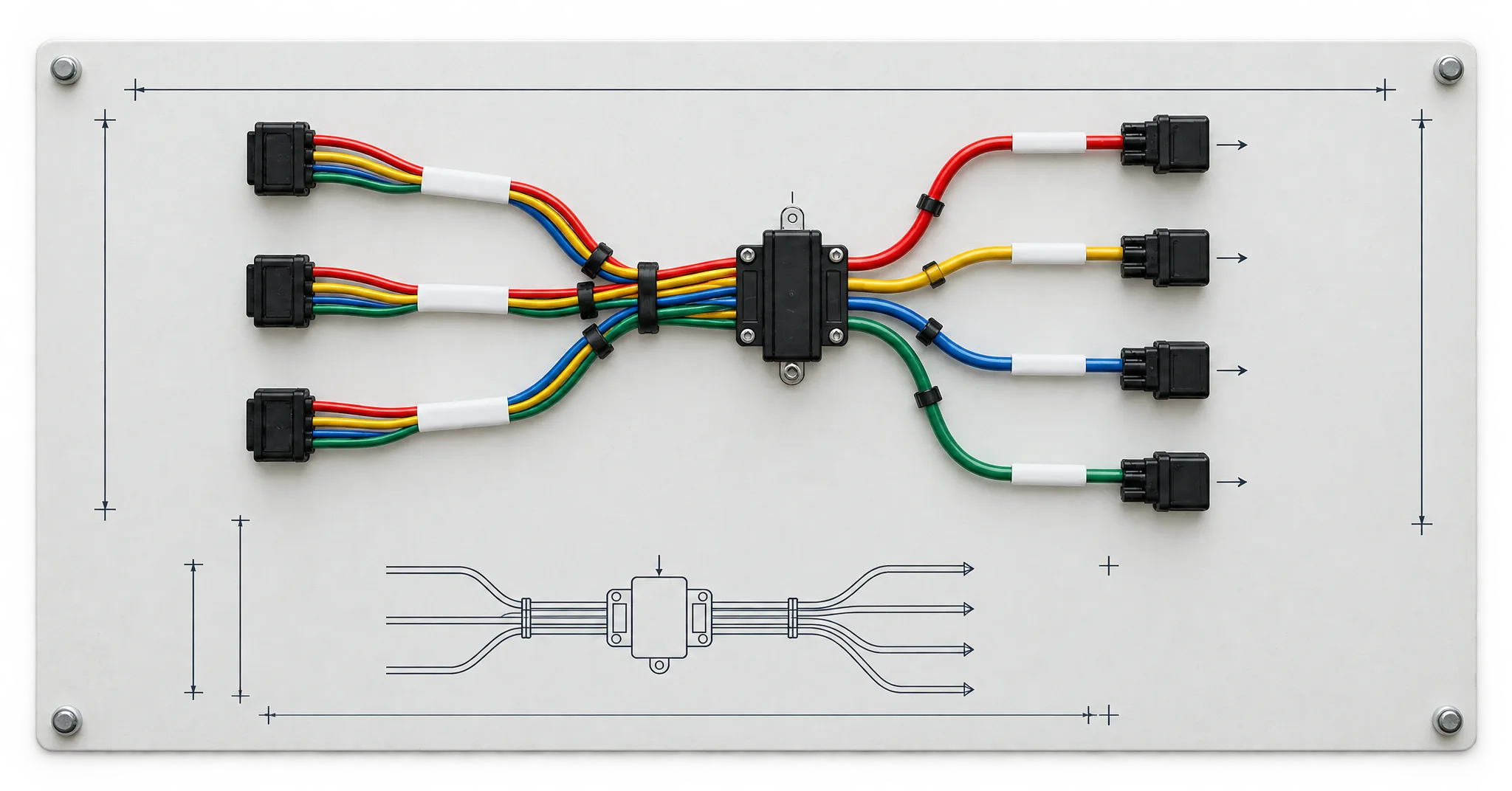
Scroll the board sideways to follow every wire.
Your pages say what they lend.
Wrap a page in AssistedPage with its name and a note on how to work there. Wrap a button in AssistedAction, a field in AssistedField, or lend a function with useAssistedTool.
Each page reports what it lends to the page catalog while it is mounted. Your coding agent can post the whole sitemap first, so journeys can point at pages nobody has opened yet.
Make a page assisted<AssistedPage name="Orders" instructions="Ship, refund or cancel orders.">
<AssistedAction name="ship_order" label="Ship order">
<button onClick={ship}>Ship</button>
</AssistedAction>
<AssistedAction name="refund_order" label="Refund order" consequential>
<button onClick={refund}>Refund</button>
</AssistedAction>
</AssistedPage>| Path | Lends | Seen |
|---|---|---|
/orders | ship_orderrefund_orderstatus | 2 min ago |
/orders/:id | refund_ordernote | 2 min ago |
/invoices | status | 1 h ago |
/settings | company_name | 3 days ago |
Walk users to their first outcome.
A journey is a product tour that points at what your pages lend, not at CSS selectors. Write up to ten steps in the dashboard from the page catalog, or let your coding agent draft them, then publish.
It starts on its first page, from your code, or with a link. When a step points at something the catalog hasn't seen, the editor says so before end users find out.
Journeys- 412 started
/orders · new_order1 of 3Create your first orderPress New order and pick a customer.SkipNext - 301 reached
/orders/:id · ship_order2 of 3Ship itPress Ship once the label prints.SkipNext - 268 reached
/orders · status3 of 3Watch it go outFilter by Shipped to see it in the list.SkipDone
It answers from your help center, and cites it.
Point a knowledge base at your docs site or upload files. The agent searches it before it answers, and the panel lists the sources under the reply.
Skills load only when a request fits them. The SaaS support template installs an agent with nine skills and a database in one step.
Knowledge basesHow do I print a shipping label?
Open the order and press Print label in the right sidebar. A label prints once the payment clears.
Shipping labels · Help centerOrder statuses · Help center
It presses the buttons your app already has.
Ask it to ship order #1045 and it presses Ship, the same button your user would. Mark an action consequential and it never presses that one alone.
It rings the real control for the user to press, or asks in the panel and presses only on approval.
Make an action consequential#1045Acme Co.$240.00ShipRefundRefund this orderCancel Globex's order #1044?
ApproveDeny
A person takes over in the same thread.
When the agent can't finish, it hands the thread to your team with a reason and a summary, and your support address gets an email. A member replies from the Inbox, and the end user reads it in the same panel under that person's name.
After each reply, Super Assist judges whether the issue looks resolved, and offers a person when someone is stuck.
HandoffsI was charged twice for October.
I've passed this to the support team with your invoice number.
Handed to support · Charged twice for the October invoice
Sam · SupportRefunded the duplicate charge. It shows on your card in three to five days.
Try it on this page.
Orders
| Customer | Order | Amount | Status | Open |
|---|---|---|---|---|
| Acme | #1042 | $120.00 | Paid | |
| Globex | #1043 | $80.00 | Paid | |
| Initech | #1045 | $240.00 | Paid | |
| Hooli | #1046 | $64.50 | Paid | |
| Vandelay | #1047 | $310.00 | Paid | |
| Soylent | #1048 | $18.75 | Paid | |
| Umbrella | #1049 | $95.00 | Paid |
How can I help?
Your coding agent fits it.
Hand it one prompt. With an organization key in .env.local, it installs the package, wraps your pages, posts their catalog and drafts journeys through the API.
Nothing reaches end users until a member publishes it in the dashboard.
Set up through the API$ npm install @super-assist/react
Wrapped /orders: ship_order, refund_order, status
$ curl -X POST $SA/api/v1/projects/$ID/pages # 6 pages
$ curl -X POST $SA/api/v1/projects/$ID/journeys # ship-first-order
Next: publish it in the dashboardRead https://superassist.app/start.md then fit Super Assist to my app.
- A saved change reaches running threads.Edit the instructions, a skill or the model, and every open thread gets it from its next turn.
- The exact prompt is public.The docs print every word the model receives from the panel.
- The React library is MIT.
@super-assist/reactis on npm.
Fit the harness to your app.
Sign up, create a project and add one package. Or hand your coding agent the prompt.