
Choices card
The choices card shows the question an offer_choices call asks, with two to four answers the user picks with one click. The pick is the call’s answer.
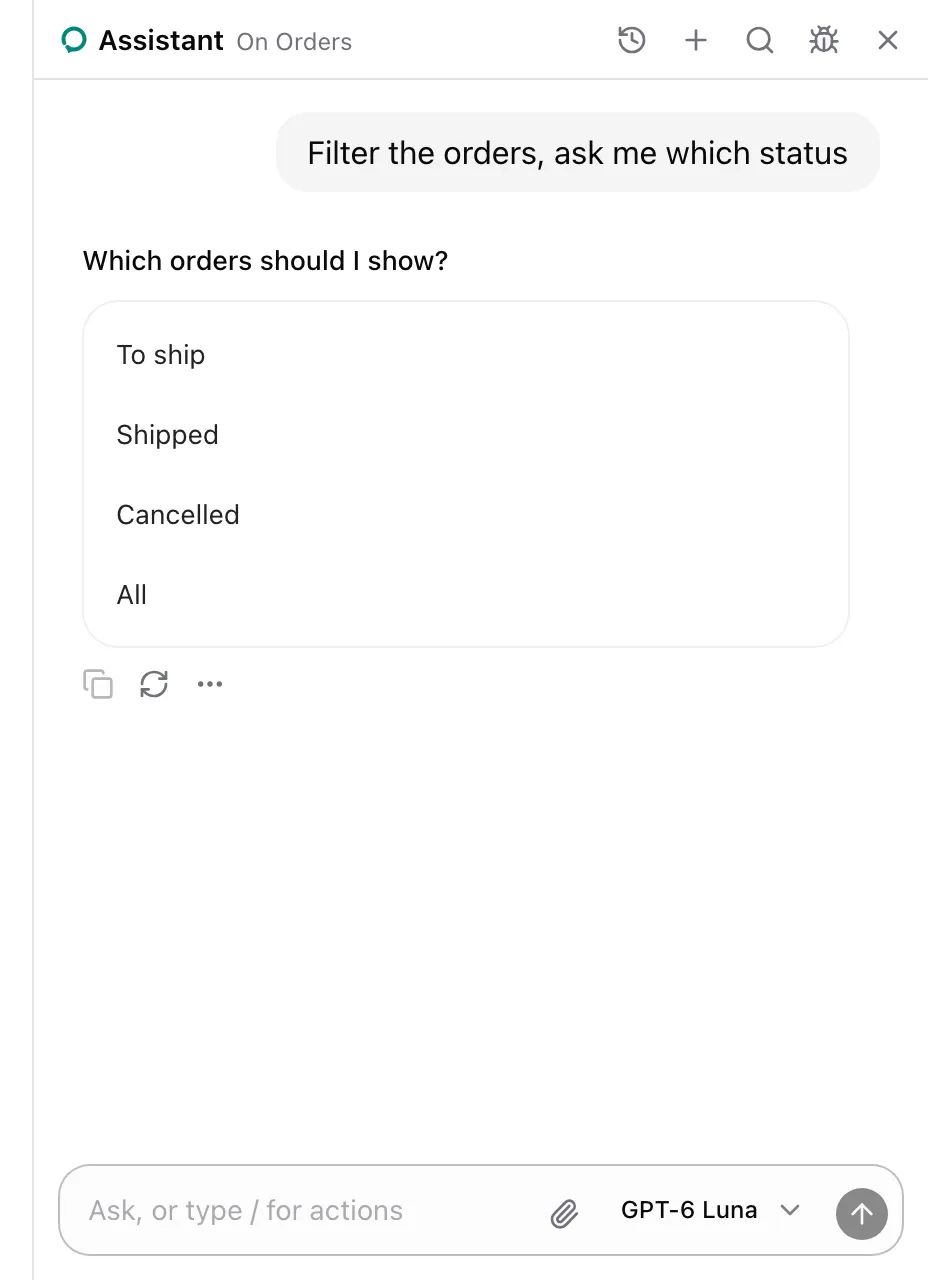
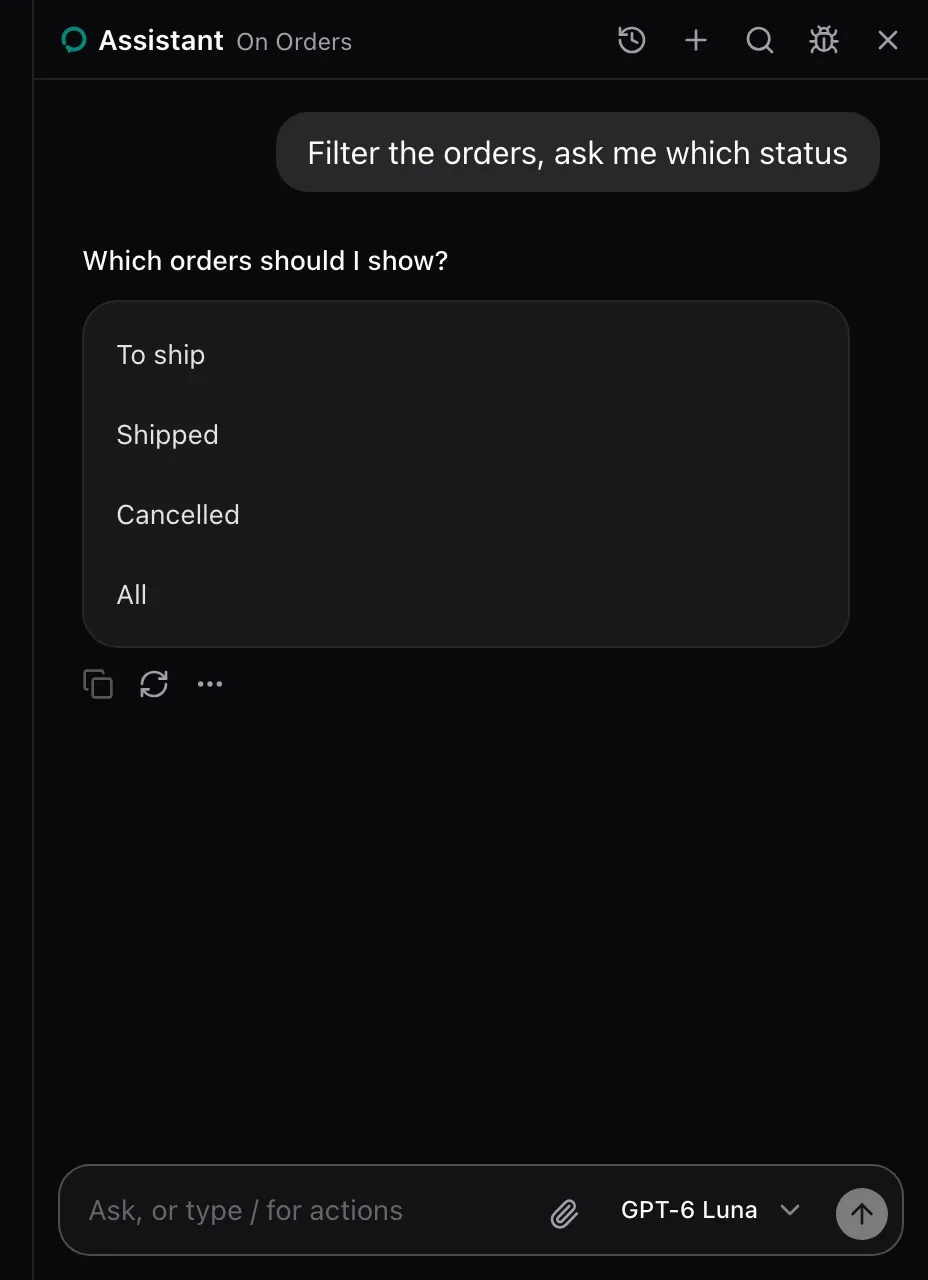
AssistedProvider lends offer_choices on every page. There is nothing to set up.
What the model sees
Section titled “What the model sees”offer_choices is described as:
Ask the user a question with two to four short answers they pick with one click, and answer with their pick.It takes question, a string, and options, two to four strings. The call waits for the pick.
States
Section titled “States”Picked
Section titled “Picked”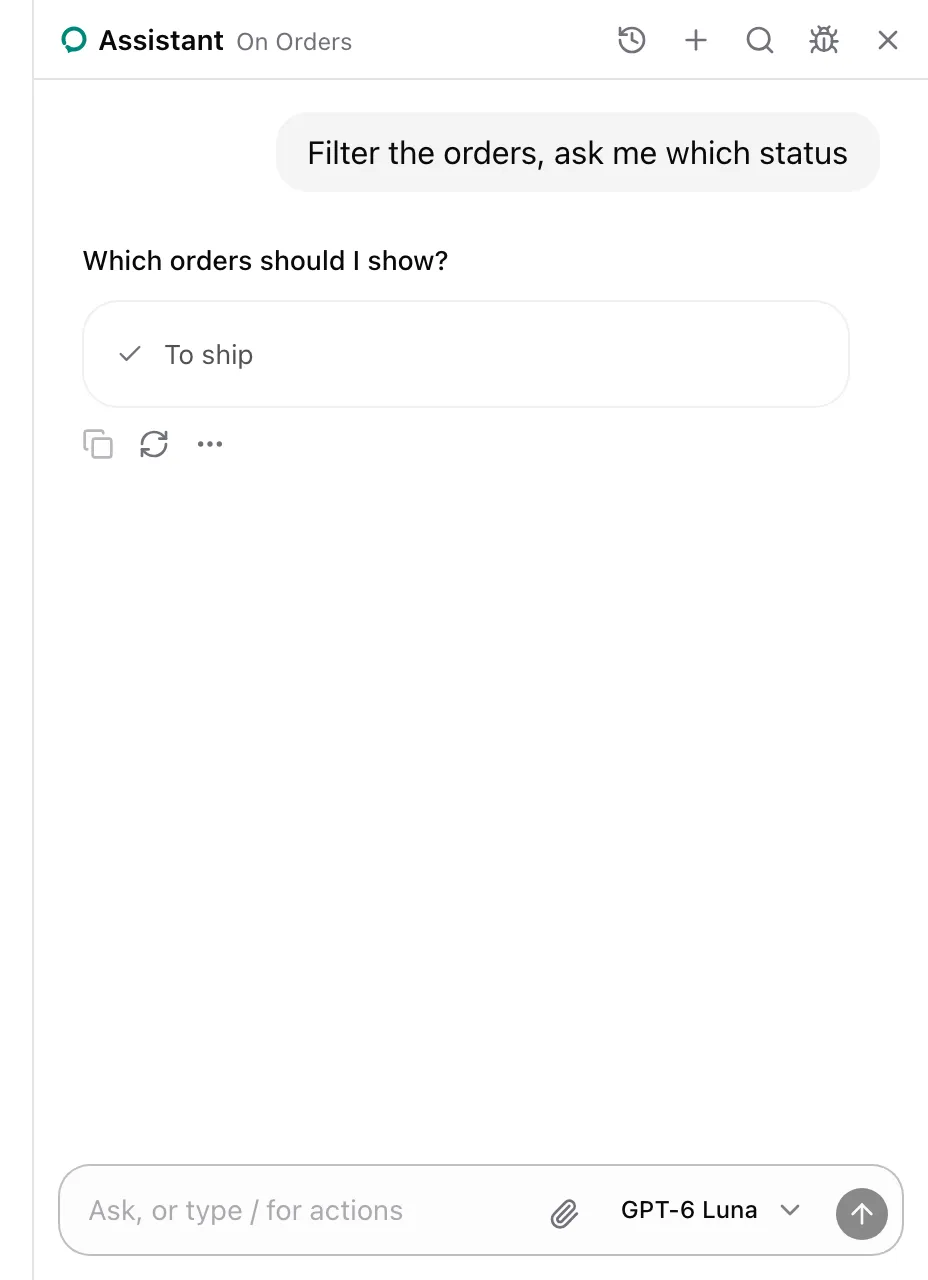
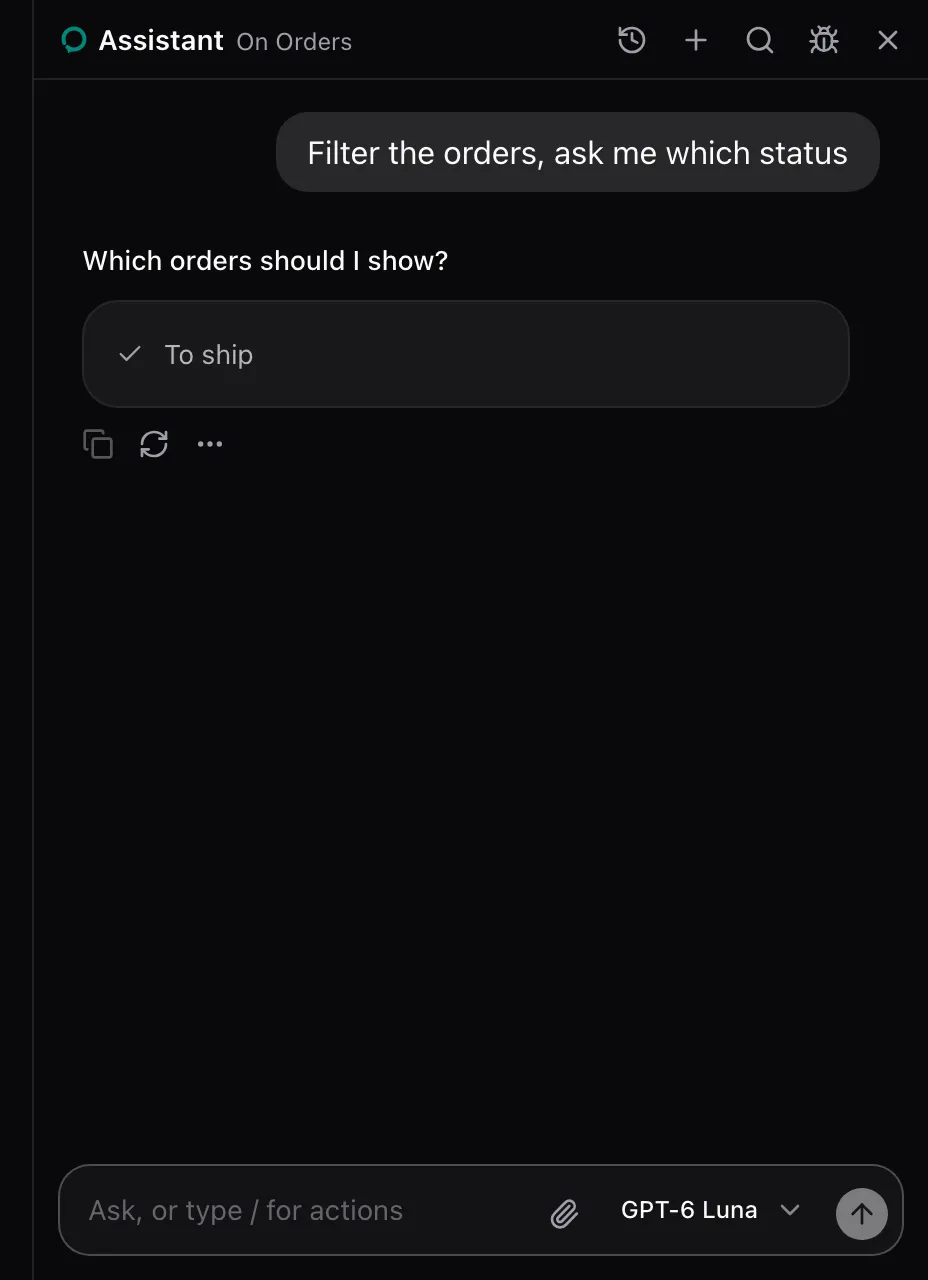
The pick answers the call with The user picked "To ship". The card stays in the conversation, showing only the pick with a check.
None. The package renders it in place of the offer_choices call. Replace it with cards.choices on AssistedProvider, see Swap a card. The card carries data-slot="assisted-choices".
See also
Section titled “See also”- Model context lists every built-in tool.